
It's Always DNS: A Tricky Physical-to-Virtual Migration
A real case study: migrating a 250-user e-commerce firm from one ageing physical server to a resilient virtual setup, and untangling years of broken DNS along the way.
- IT Projects
- Case Study
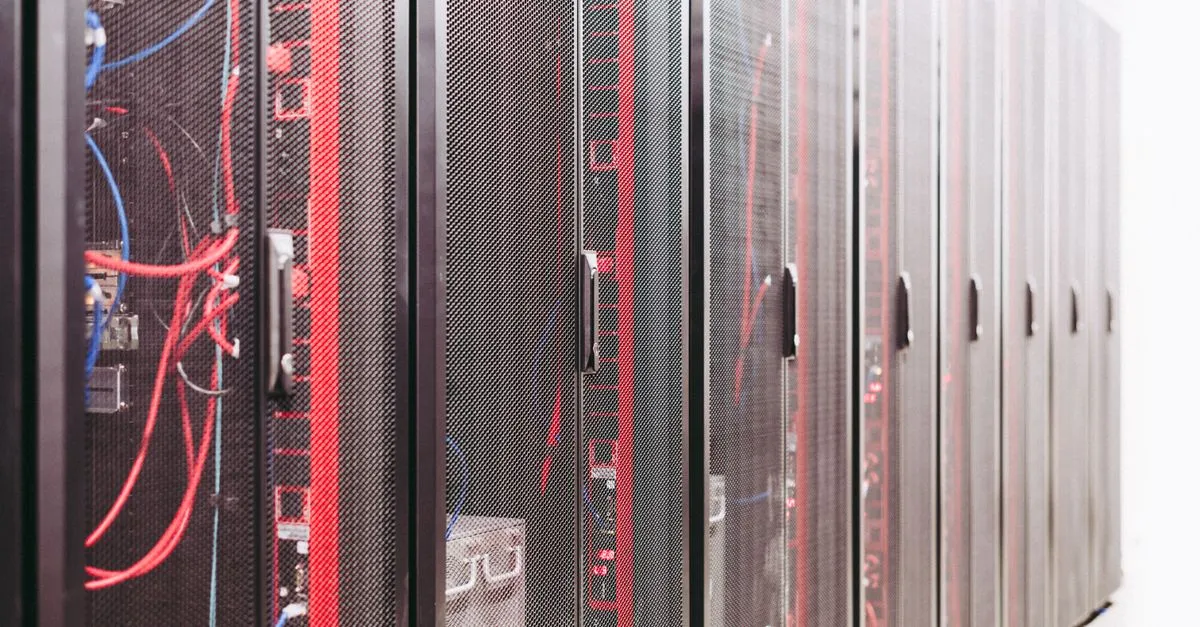
There is an old joke among IT engineers: whatever the problem is, “it’s always DNS”. DNS is the system that lets computers find each other by name rather than by number, and when it is set up wrong, the symptoms are baffling and seem unrelated. This project was a near-perfect example. What looked like a simple job, moving a business off one tired physical server onto a modern, resilient setup, turned into a methodical hunt that led, time and again, back to a single bad decision made years earlier.
It is one of our favourite war stories, so here is how it unfolded.
The starting point
The client is an international e-commerce business with more than 250 staff, all of whom depended on a single physical Windows server. One machine ran almost everything: user logins, file shares, and the behind-the-scenes plumbing that holds a Windows network together.
That is a precarious place to be. If that one server failed, the whole company stopped. And it was already misbehaving. Users reported problems they could not pin down: trouble reaching network resources, settings that did not apply the way they should, intermittent login failures, and a general air of “it just does odd things sometimes”. As the company grew, the odd things grew more frequent, and the risk of a serious outage grew with them.
Our brief was to migrate this fragile single-server setup into something secure, resilient, and able to survive a failure, while fixing the underlying gremlins rather than papering over them.
What we walked into
The first job on any project like this is to understand what is actually there. That proved harder than it should have been: documentation was largely missing, out of date, or living only in the heads of the on-site team.
As we dug in, the root cause came into focus. The Windows network had been set up incorrectly from day one. Crucially, its internal name had been made to match the company’s public website address, which is a classic misstep that causes the network to get confused about whether resources are inside the building or out on the internet. Rather than rebuilding it properly, someone had previously tried to “rename” the network using a script found online. That script did not fully work, and a series of manual workarounds had been bolted on to compensate, each one quietly causing new problems of its own. A further layer had then been added on top of the already-broken foundation.
The knock-on effects were exactly the symptoms users had been complaining about:
- Settings and policies that sometimes applied and sometimes did not.
- People occasionally unable to log in or browse shared folders.
- Storage devices that would not join the network properly, so PCs fell back to remembering local passwords instead of central ones.
- Computer clocks drifting out of sync, especially around the daylight-saving changes, which quietly broke the trust between machines and the server.
And when we first tried to add a second server to share the load, the process failed with vague errors. We traced those, of course, straight back to the broken naming.
Our approach: one careful step at a time
With a company this size, downtime was not an option. So we worked the way you would defuse something delicate: slowly, with a safety net at every stage.
We took backups and snapshots before each change and rehearsed everything in a separate offline copy of the environment first, confirming each step worked before touching the live system. We kept a running log of every error and symptom, and gradually built a flowchart from it. Every branch, eventually, led back to that original botched rename. Naming the root cause clearly was what turned an overwhelming mess into a defined list of jobs.
Putting it right
The fix came in stages. First we worked methodically through the naming system, carefully removing the entries we were confident were wrong, then used the proper tools to correctly complete the rename that had never been finished, and finally set up the structure to handle the additional layer correctly. That alone cleared the majority of the file-access, policy, and clock-sync problems in one go.
With the foundation sound, we could finally do what we had been brought in for. We virtualised the existing server, meaning we turned that single physical machine into software that can run on resilient hardware, and added a second physical host running a second server for redundancy. We brought the storage devices properly onto the network and centralised the file shares. We put enterprise backup in place so that whole servers can be restored, and onto different hardware if a physical machine dies.
Under the bonnet this drew on a familiar professional toolkit: Windows Server, Microsoft’s directory and policy services, Hyper-V virtualisation with proper network segmentation, Veeam for backup and replication, Synology rack-mounted storage, and HP rack servers with redundant network connections and remote management.
The outcome
The business ended up with a correctly configured, properly documented network that is robust, backed up, and considerably more secure. Just as importantly, the servers can now be restarted for security updates whenever needed, something that had been almost impossible before because there was nothing to keep the business running while a single server rebooted. A failure of one physical machine no longer means the company grinds to a halt.
What this project shows
Two things, really. First, that quietly broken foundations cause expensive, hard-to-diagnose problems for years, which is why getting the basics right from the start matters so much. Second, that even an overwhelming-looking mess can be untangled with patience, a safety net, and a methodical process. Drawing on decades of experience and documenting every step, we reduced a daunting pile of symptoms to a clear sequence of fixes.
If your business is leaning on a single ageing server, struggling with gremlins nobody can quite explain, or simply outgrowing the setup it started with, this is exactly the kind of work our IT projects and consultancy service is built for, backed by ongoing managed IT support once everything is humming. A sensible first step is our free IT review, an honest look at how your systems are set up and where the risks lie, and you can always get in touch to talk it through.
Want this checked for your own business?
Book a free IT review, a straightforward, no-obligation review of where your IT stands.
Book your free IT review